Manage Team Training with a Simple Employee Training Dashboard
Manage team training from one organized dashboard where organizations can add employees, assign training seats, launch courses, and monitor progress in one place. Conduct Courses provides a practical employee training dashboard designed for HR managers, supervisors, administrators, and purchasing teams responsible for workplace learning.
After purchasing training seats, the dashboard becomes the central location for managing employee access. From here, organizations can add learners, organize teams when needed, and review progress as employees complete their courses.
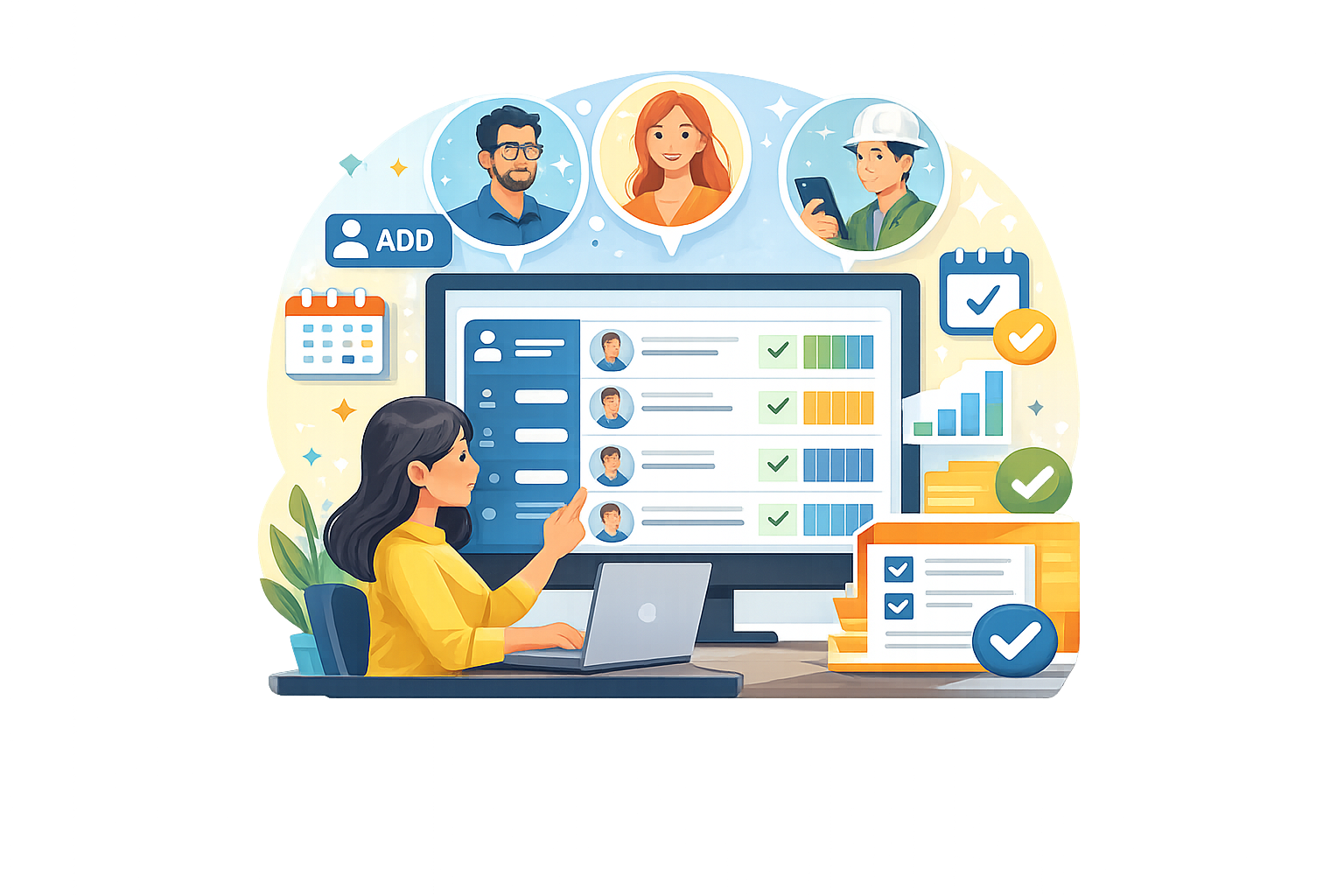
Manage Team Training from One Central Dashboard
The team training dashboard provides a clear structure for organizations managing multiple employees. Instead of distributing training manually, administrators can manage employee training from one location, keeping course access organized and easy to monitor.
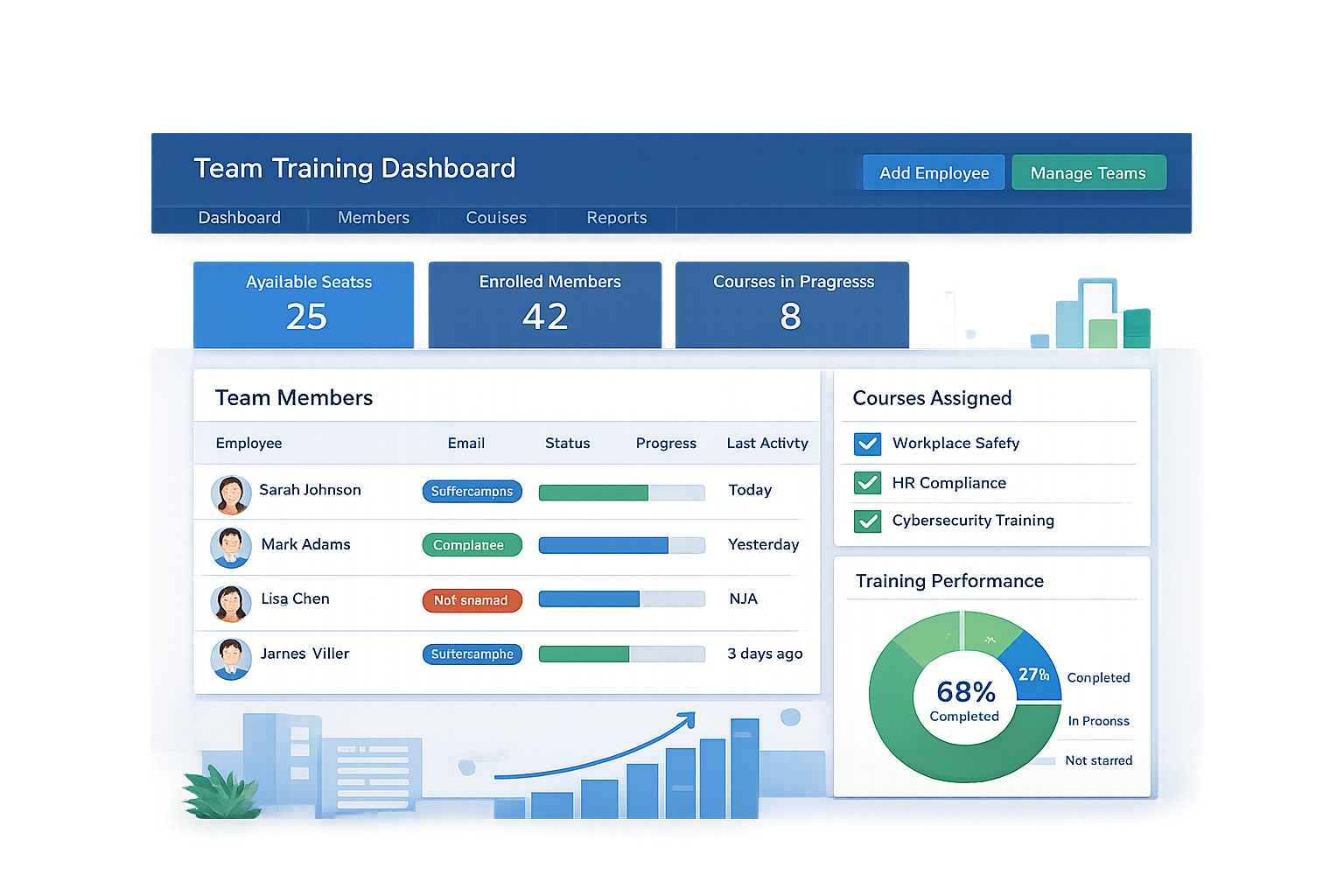
Team Training Dashboard Overview
The purchasing account typically becomes the organization’s management account. Administrators can review available seats, add employees, manage training access, and monitor activity using the employee training dashboard.
Manage Employee Training with Seat Access
Each training seat represents access for one employee. Organizations simply purchase the number of seats needed for their staff. This system makes it easy to scale training as teams grow.
Employee Training Dashboard Visibility
Managers can view activity and completion progress directly from the dashboard. This visibility helps supervisors stay informed about employee participation and training completion.
How to Manage Team Training in Four Steps
Managing employee training becomes simple when organizations follow a clear process. After purchasing training seats, administrators can sign in, add employees, and track course activity from the team training dashboard.
Purchase training seats
Select the number of seats needed for employees who require training. Each seat represents one employee training slot.
Sign in to the management account
The email used during purchase usually becomes the main administrative account that manages the organization’s training dashboard.
Add employees
Enter the names and email addresses of employees who need access. Each added employee uses one available training seat.
Track training progress
Review course activity and completion records from the dashboard to monitor employee participation.
Manage Team Training for Small Teams and Large Organizations
Conduct Courses supports organizations of different sizes. Small offices can keep training management simple, while larger organizations can organize employees by team, department, or supervisor.
Small team management
- Purchase seats for employees who need training
- Add staff directly to the employee training dashboard
- Manage access from a single administrative account
- Track progress without complex structure
- Launch training quickly for small teams
Large organization management
- Create teams by department or office location
- Assign team leaders when needed
- Organize employees into structured groups
- Manage training across multiple supervisors
- Maintain clear training records and progress tracking
Managing Team Training After Purchase
Once training seats are purchased, administrators can access the employee training dashboard to manage users, assign seats, and organize training access for employees.
1Log in using the purchasing account
Use the email address associated with the purchase to access the administrative dashboard and manage employee training.
2Access the team training dashboard
The dashboard displays available seats, members, and tools used to manage team training.
3Add employee information
Enter employee names and email addresses to assign training access and connect learners to the organization.
4Organize teams when needed
Teams can be created to separate departments, supervisors, or office locations when additional structure is helpful.
5Assign training access
Employees receive course access based on the available seats assigned to them.
6Monitor course progress
Managers can review completion progress and participation using the employee training dashboard.
Conduct Courses uses a structured organization model similar to the group-based learning model used in modern LMS platforms.
Manage Team Training FAQs
Common questions about using the team training dashboard and assigning employee access.
What is a training seat?
A seat is one training access slot assigned to one employee.
Do I need to create teams?
No. Many organizations add employees directly without using teams.
Can training seats be reused?
In many cases, seats can be reassigned if an employee no longer needs access.
How do employees access training?
Employees are added to the dashboard using their email address and receive training access through the system.
Can small offices use this system?
Yes. The dashboard works for both small teams and large organizations.
Start Managing Employee Training
Conduct Courses helps organizations manage team training, assign employee seats, and track course progress through a simple employee training dashboard.